


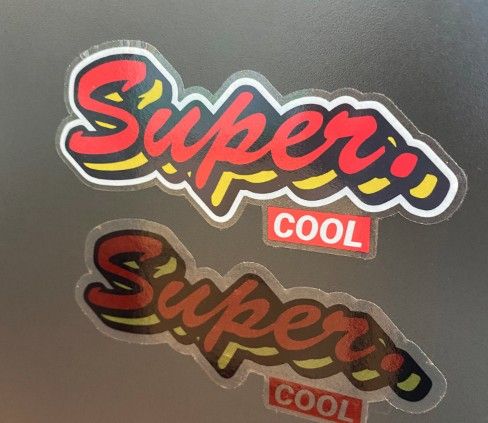
Transparent Stickers with White Printing
If you need elements or text in your design to be in white print, this is the product for you.
Tack för din förfrågan
Tack för mail. Vi återkommer snart (max 48 timmar) med ett bra erbjudande.

Transparent Stickers with White Printing
Normally, printing white on transparent stickers is challenging. White toner requires very special printers. In this product, you can use white as one of the colors in the print. Or as a background for the other colors, making all the colors on the transparent sticker stand out.
Note: This product requires vector graphics.
The artboard must be the same size as the ordered sticker. It should be set to CMYK colors and have a 2mm bleed.
Layer 1: Cut line.
Layer 2: A layer with all CMYK colors called "CMYK" must be created. All elements to be printed in CMYK, images, text, etc., should be saved in this layer.
Layer 3: A layer called "White" should be created in, for example, Adobe Illustrator, where you place all elements that are to be printed in white. All elements are given the CMYK color 0,100,0,0 (100% CYAN). This can be white elements, texts, or a background color that needs to be white.
Remember to outline texts and include any linked files.
See here for example:


Snabbinfo
- Transparent stickers
- Option for die-cut stickers